
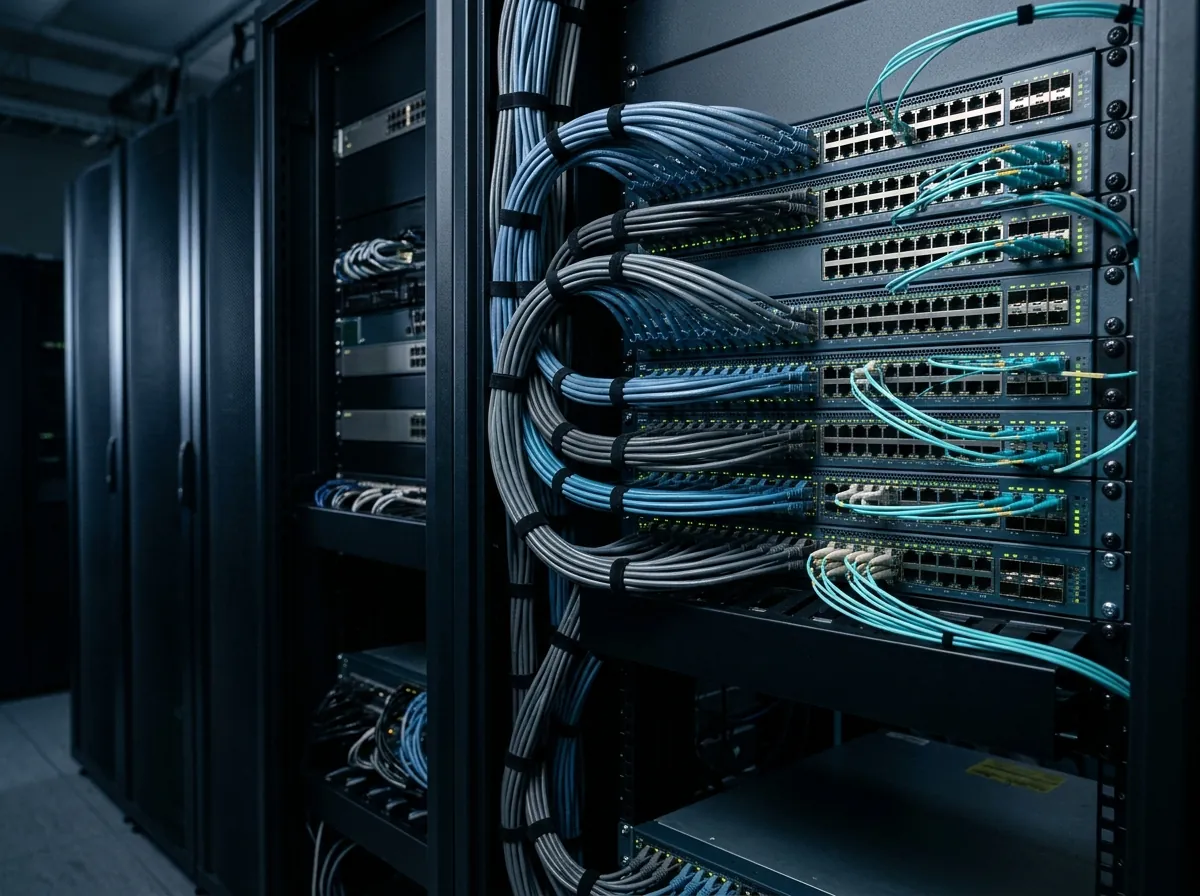
A network assessment is the first step of every network project we take on. An engineer walks the site, maps what is there, and comes back with a design, a bill of materials and a cost. The better prepared the site is, the shorter the visit and the more accurate the quotation.
Why we assess before we quote
Two offices with the same number of staff can need very different networks. Wall materials change how far WiFi reaches. The route from the internet line to the server cabinet decides how much cabling is needed. A camera system or a warehouse scanner can need its own segment of the network. None of this shows up on a phone call.
What to have ready
A plan of the site. A floor plan is ideal; a hand sketch with rough room sizes works too. Mark where the internet line enters the building and where a cabinet or rack could go.
A count of what connects. Computers, laptops and phones, plus printers, scanners, cameras, door controllers and anything else on the network. Note any device that must never lose its connection.
Your internet and equipment details. The provider, the speed and type of line, and the make and model of the router and firewall if you know them.
The people who need access. Who works remotely, which branches need to reach each other, and who needs to see the cameras from outside.
Access on the day. Admin passwords for the router and switches, or the person who has them, and a time when the engineer can look around without disturbing work.
What we look at
- the cabling, its condition and how it is labelled;
- switches, routers, firewalls and wireless access points;
- WiFi coverage, room by room;
- how the network is split, and who can reach what;
- the server room or cabinet: power, cooling and tidiness;
- the faults you live with: slow areas, dropouts, devices that need restarting.
What you get afterwards
A written design with the equipment, the work involved, a cost and a timeline. If something is risky today, such as an exposed admin password or a single point of failure, we tell you plainly, whether or not you go ahead with us.
The network assessment checklist puts all of this on one page. When you are ready, book a free assessment.